What is the Trend Universe update?
In this article we answer all your questions about the Trend Universe update and explain how you can carry out the update.
How can I carry out the entire update?
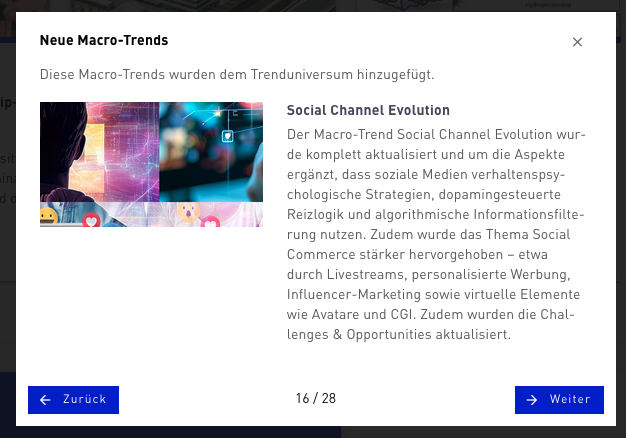
On your next visit to the Trend Universe you will be asked whether you want to carry out the entire update. If you confirm this, the updates of all affected trends are adopted automatically. If you would rather carry out the update later, you can also do this in the Trend Universe area. You will find this area under your profile (only accessible by managers or admins). There, click the triple-dot menu at the top right and select „Activate all new trends (publication year 2025)“. Please note that activating deactivates all ancestors of a trend, since only one trend from an evolution series can be active at a time. Outdated trends remain in their working environments (Workspaces, Trendradars, Innovation Fields, Innovation Projects). If needed, you can manually exchange the outdated trends there with their successors.
Can I update only individual Macro Trends?
If needed, individual trends of the new Trend Universe can be activated. To do this, open the admin area and click „TRENDONE Trend Universe“ in the navigation. Now select the Macro Trends tab and activate the desired trends there with the respective switch. Please note that activating deactivates all ancestors of a trend, since only one trend from an evolution series can be active at a time.
What happens to my „old“ Macro Trends after the update?
Your „old“ trends remain in all working environments, i.e. Workspaces, Trendradars, Innovation Fields, and Innovation Projects. From there you can still access the trends. They are simply no longer findable in the Trendfinder. Furthermore, future Micro Trends are no longer contextualized with outdated Macro Trends.
What happens to working environments that contain outdated trends after the update?
All existing radars, Innovation Fields, Innovation Projects, and Workspaces remain unchanged, and the deactivated trends also remain included. In Trendradars, all your evaluations and links to Innovation Fields and Innovation Projects are preserved. If you use search agents for outdated Macro Trends, these will no longer work, since we do not enrich new Micro Trends with outdated Macro Trends. In this case we recommend exchanging the respective trend with its successor. To make it easier for you to identify outdated Macro Trends in the Trendmanager, affected working environments are marked with a red info sign.