What are Workspaces?
In Workspaces, you can clearly organize, prioritize, and export the Macro and Micro Trends relevant to your search field or project. To add trends to a Workspace, click the plus icon that appears when you hover over the relevant trend. You can add an unlimited number of trends to a Workspace. The overview takes you directly to all Workspaces you have created or are a participant in. Select specific colleagues to collaborate on a Workspace together.
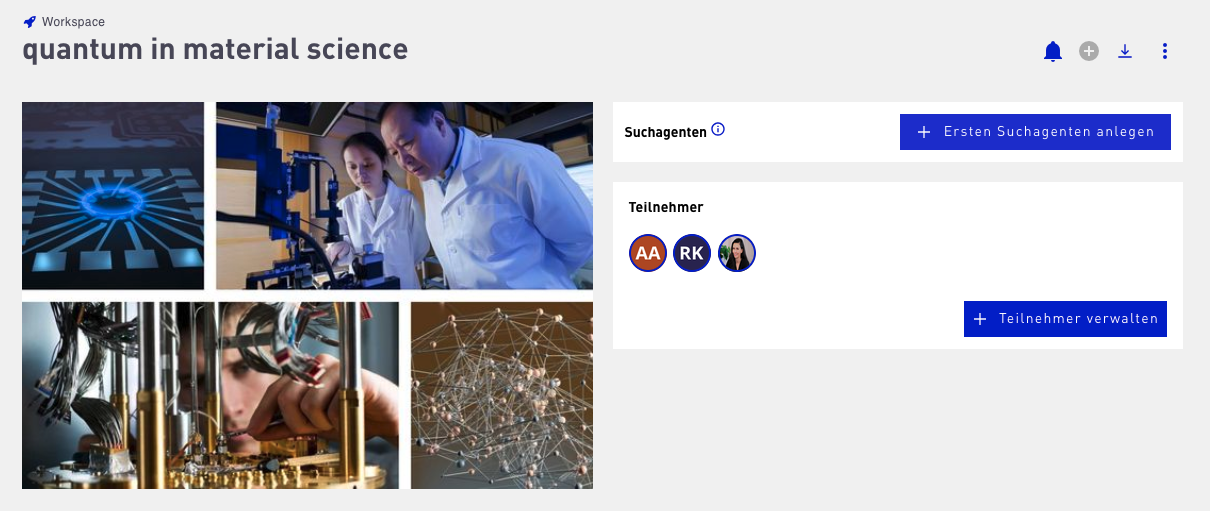
Trends can not only be added but also removed again. To do so, scroll down to the overview of the Micro and Macro Trends it contains, click the Select button next to the sorting menu, mark the trends to be removed, and confirm the action with Remove.

Additionally, you can vote on trends within Workspaces to indicate their priority. For Micro Trends, you can prioritize trends by importance. For Macro Trends, the voting function on the trend tiles can be used as support to define a shortlist for creating a radar. Workspaces are not only for clustering trends; they can also serve as the basis for your Trend Radar.
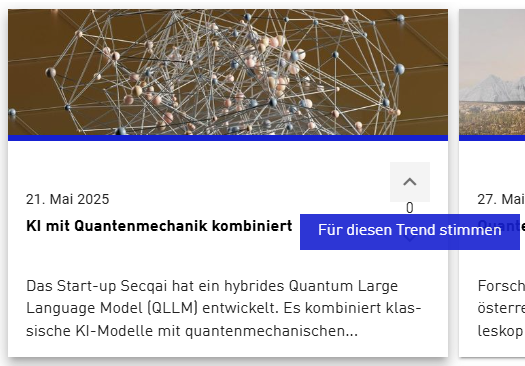
To create a Trend Radar directly from your collected trends, the Workspace must contain at least one Macro Trend. Open the Workspace and click the blue plus icon in the top right of the menu bar to go to radar creation. All Macro Trends contained in the Workspace are automatically transferred into the trend selection of the new Trend Radar.
In addition, Workspaces can be exported both as a PowerPoint and as an Excel file. The Excel format is particularly relevant for radar creation, as it can represent both longlists and shortlists and enables structured further processing.