How do I create a Trendradar?
A Trendradar helps you systematically visualize trends and make their relevance for your company measurable. The process is divided into three simple phases:
Step 1: Define the basic framework
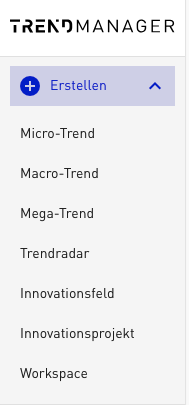
Click the „+“ symbol at the top left and select „Create Trendradar“.
- Title & description: Give your radar a clear name (e.g. „Technology Radar 2026“) and briefly describe the goal of the analysis.
- Evaluation criteria: By default, the TRENDONE criteria set is stored in your account. If you want to use your own company-specific criteria sets, we are happy to create these for you. Simply contact us at trendmanager@trendone.com.
- Selection: From the available sets, choose the criteria by which the trends in this specific radar should be evaluated.
Step 2: Select and structure trends
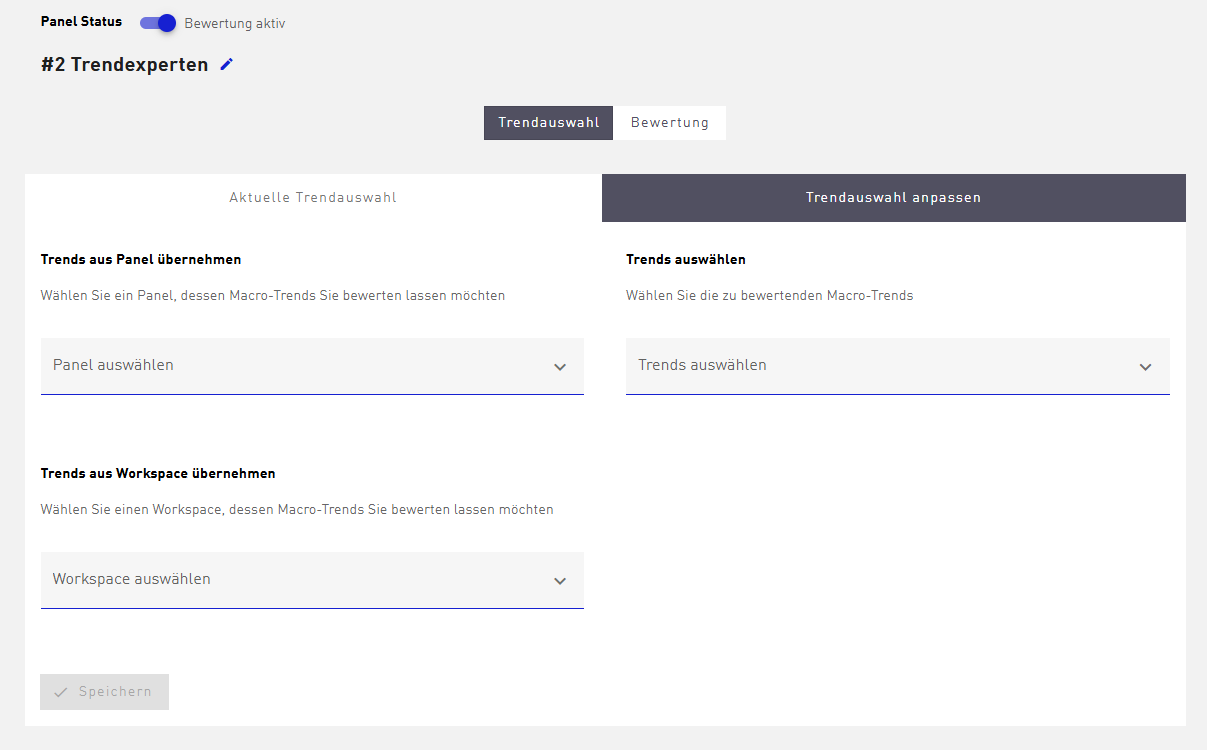
Now fill your radar with content. You have two options to select the trends:
- Direct selection: Choose Mega and Macro Trends directly from the database.
- Transfer: Adopt already curated trends from your existing Workspaces.
Structuring tip: Use evaluation panels to divide trends into logical segments (e.g. by departments or time horizons).
Step 3: Start the evaluation
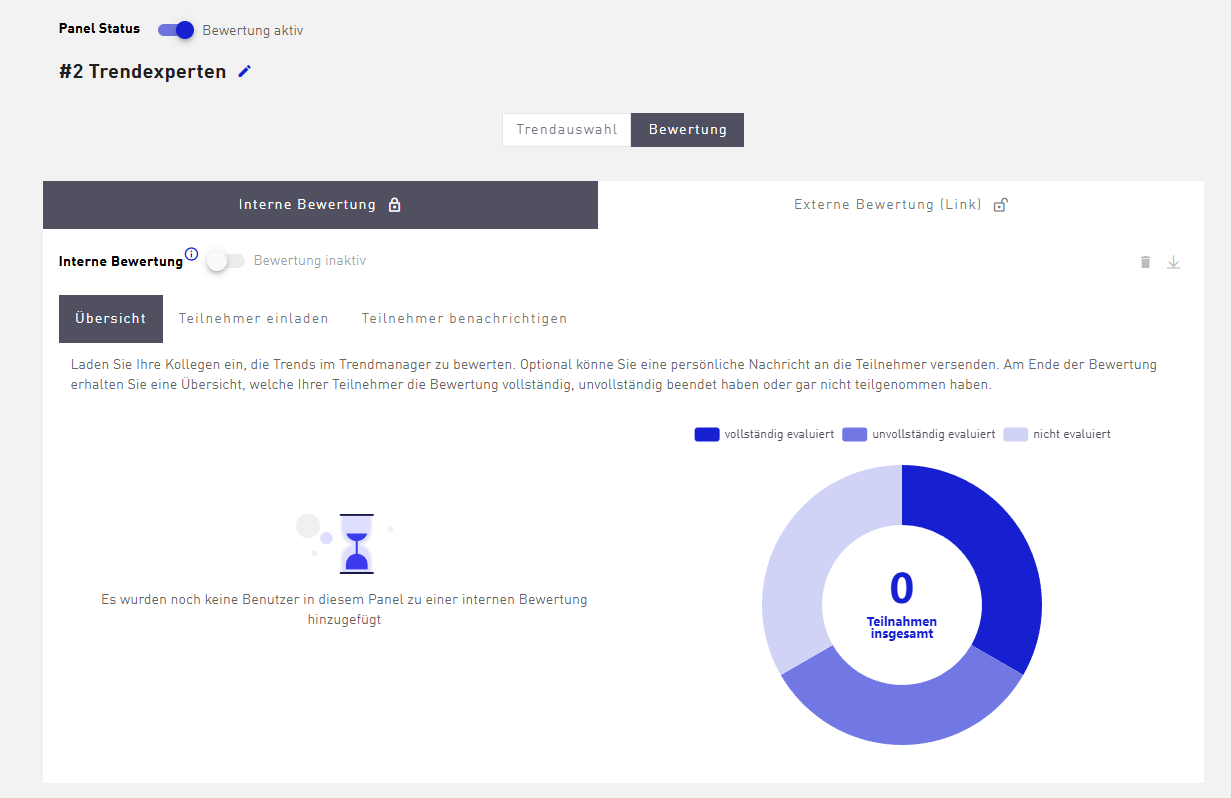
Once the selection is set, invite the relevant people to the analysis to carry out the trend evaluation:
- Internal: Colleagues with an existing Trendmanager access.
- External: Experts or partners outside your system via an individual invitation link.