How do I evaluate trends?
To evaluate trends in the Trendmanager, you have two options.
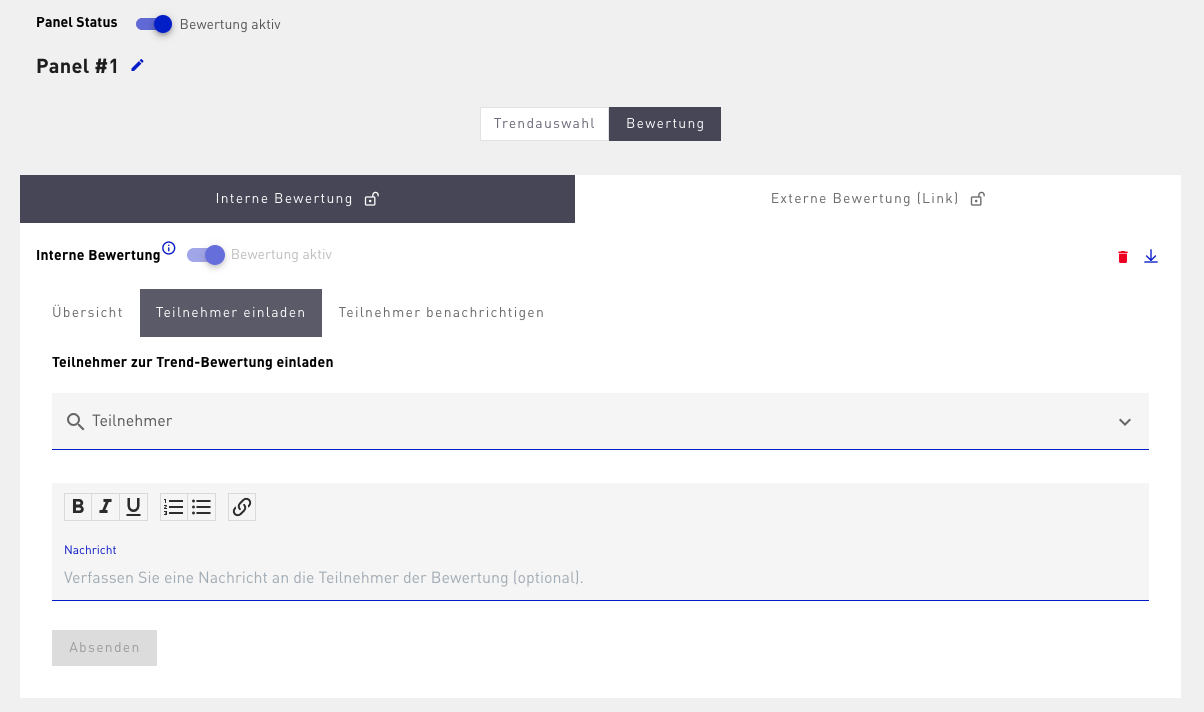
1. First, you can carry out an internal evaluation by inviting people who also have access to the Trendmanager tool. You can specifically ask certain employees to evaluate, or give all authorized people the opportunity to submit their assessment.
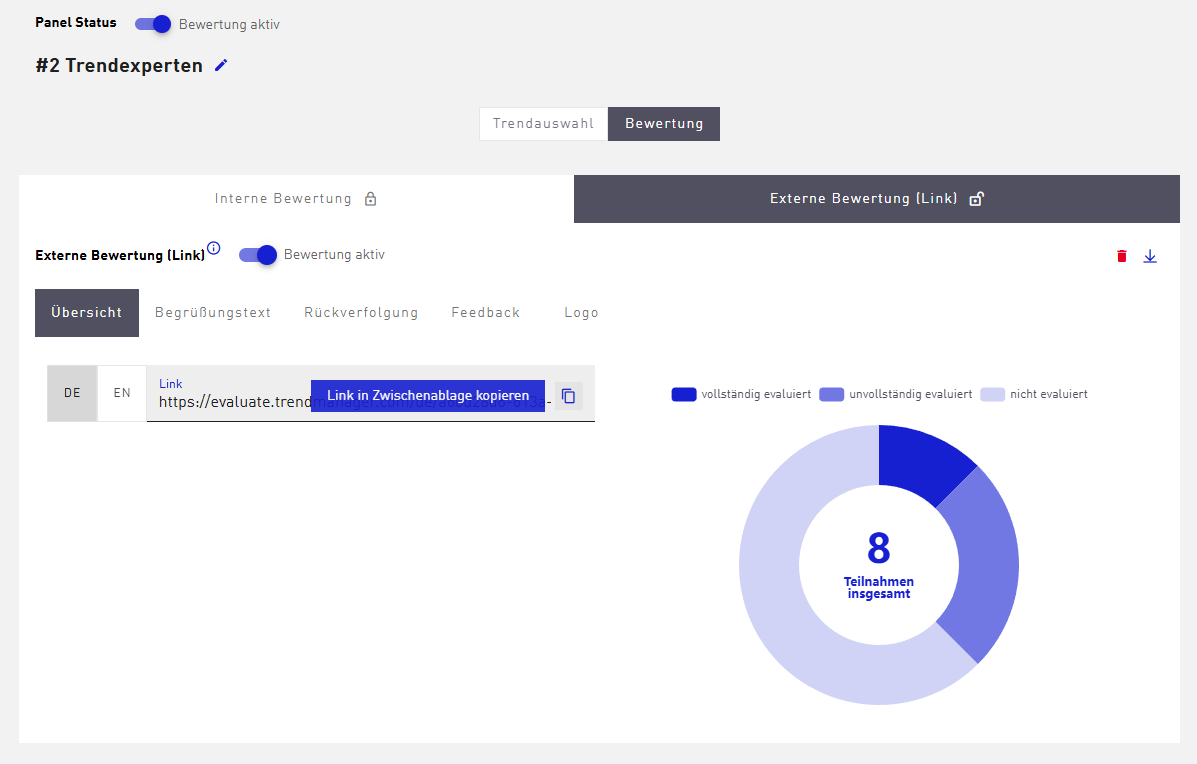
2. Second, you have the option of involving people outside your account via an external evaluation link. You can design the invitation process individually by customizing a welcome text, a tracking text, a feedback text, and the displayed logo.
This way, both internal and external perspectives can be systematically taken into account, giving you a comprehensive and balanced picture of the relevance of the trends for your company. In the actual evaluation, Macro Trends are assessed using a criteria set. By default, this set contains the criteria influence, time of mainstream adoption, and competencies.