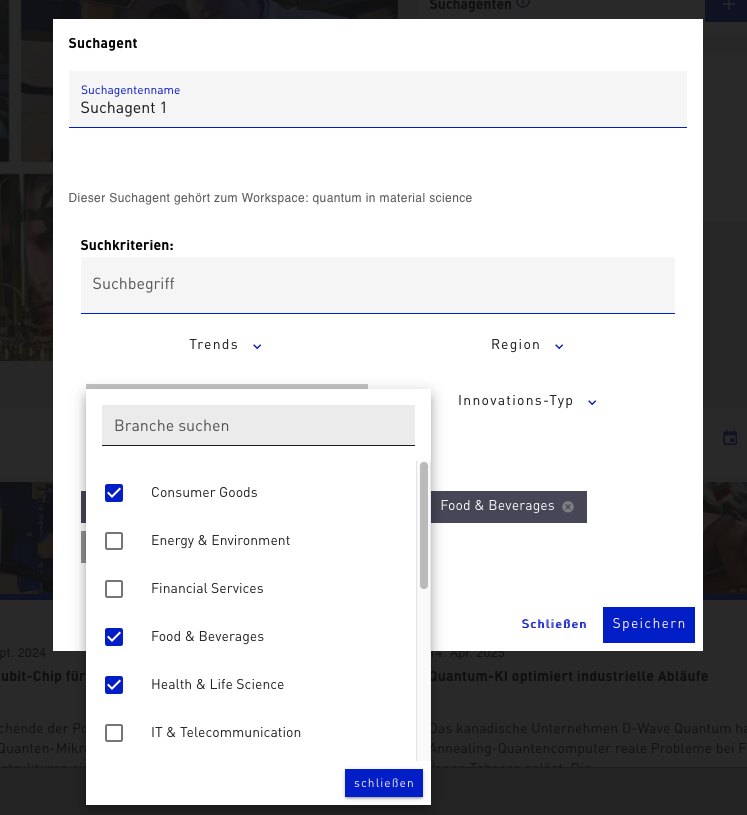
What are search agents?
Search agents help you stay informed automatically and without additional effort about new trends related to your individual questions. You regularly receive updates that suggest matching Micro Trends. You can adopt these directly to fill your Workspace with relevant content. Trends that don’t match your question can simply be rejected. This keeps your Workspace always precise and up to date.

To create a search agent, you first need a Workspace. Once it is created, you will find the „Create search agent“ function in the top right of the Workspace. The search agent can then specifically search for trends, industries, regions, sustainability goals (SDGs), or innovation types and continuously provide you with new, relevant content. In the Workspace overview, you can also set the notification interval for each search agent, so that you decide yourself how often you are informed about new trends. Each Workspace can be equipped with its own search agent. This way, for example, different Workspaces can be sorted by industry, topic, or strategic focus. This keeps you on top of things and always provides tailored trend information that matches your interests and goals.