Getting started with the Explorer
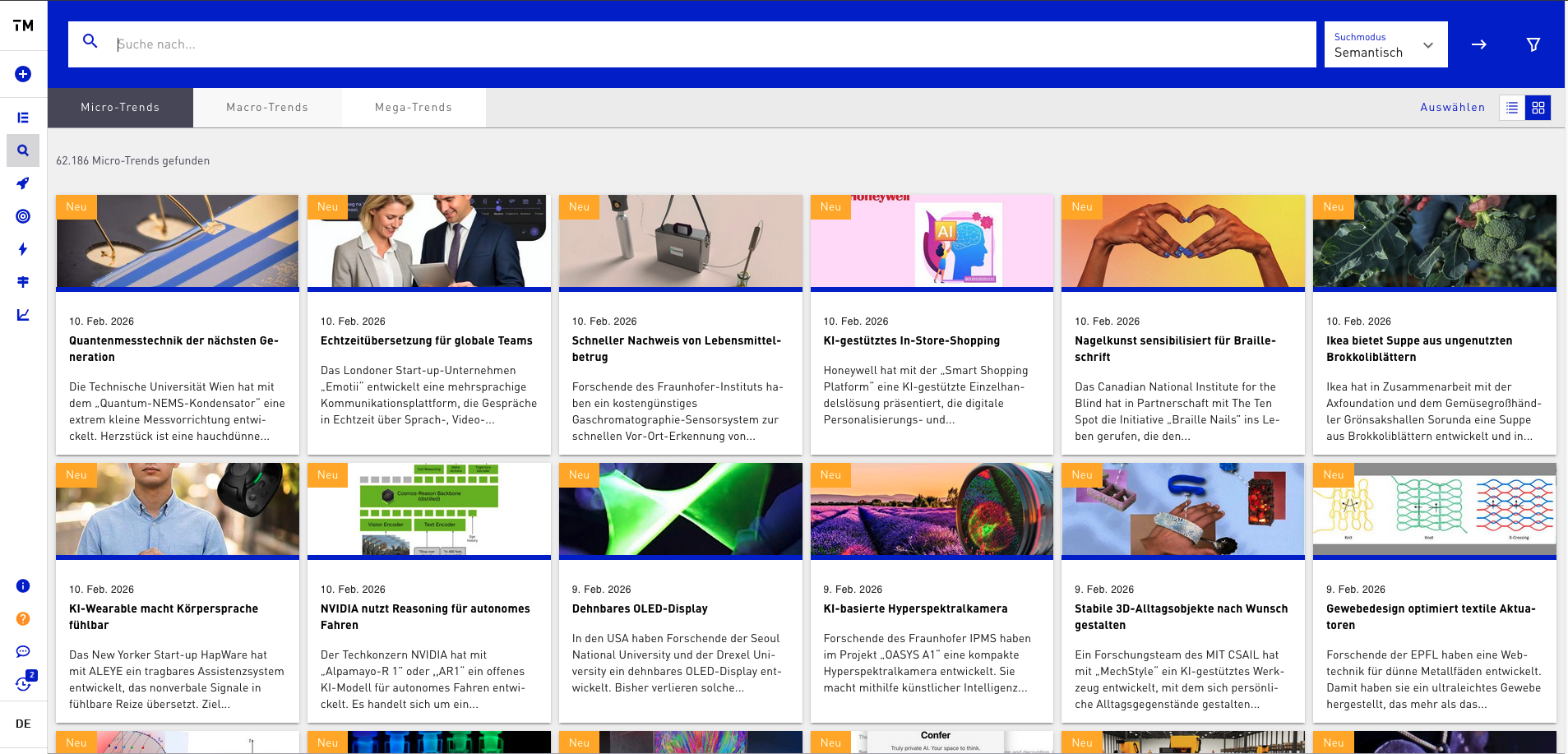
The Explorer gives you comprehensive access to the Trend Universe and consists of two core areas: the Trendfinder and the Workspaces. Here you can search trends by topic, industry, region, or time period and narrow them down specifically using filters. This keeps you on top of relevant developments and innovations in your area at all times.
The Explorer pursues three central goals: scouting, inspiration, and monitoring. With scouting you can recognize new trends early and identify developments before they become widespread. The inspiration function helps you discover creative ideas and innovative solution approaches that open up new perspectives for your projects. Finally, monitoring helps you continuously observe selected trends, track changes, and make well-founded decisions based on current information.
First steps:
To get started, it is advisable to first try the time-period filter to display only the newest trends. In addition, you can create your own favorites lists to quickly find particularly relevant trends again and access them at any time. This way you make optimal use of the Explorer to align your work efficiently, in a structured way, and strategically.